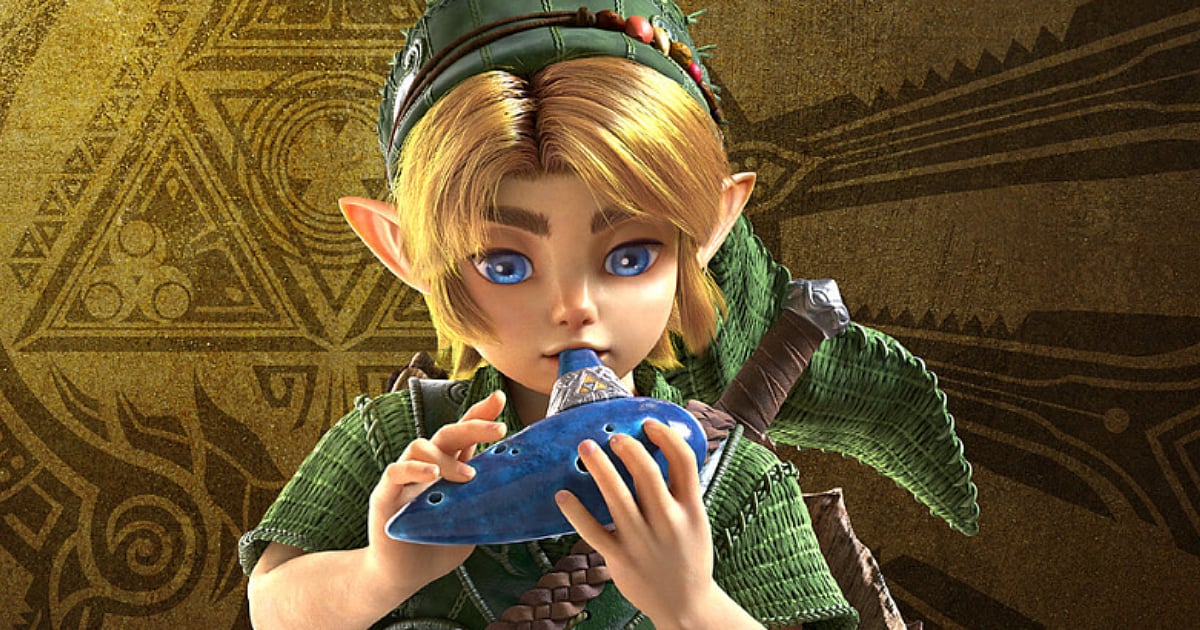






Master vectors and quaternions to build better games.
Math For Game Developers: The Basics You Need to Know
Master the core math toolkit—vectors, matrices, trigonometry, and quaternions—to build physics, vision cones, and smooth rotations in Unity and Unreal Engine.

Highlights
- Mastering vectors, matrices, trig, and quaternions solves most gameplay and physics challenges.
- Use dot products for vision cones and cross products for surface alignment.
- Leverage Atan2 for precise aiming and quaternions to prevent gimbal lock.
Highlights
The digital architecture of a modern video game isn’t just built on lines of code; it is constructed from the elegant language of mathematics. If you are stepping into the world of game development, you might feel intimidated by the complex physics and rendering equations. But here is the good news: game development thrives on math, but you do not need a PhD to ship a hit.
According to the Unity Documentation and Unreal Engine forums, mastering a "minimum viable knowledge" stack—vectors, matrices, trigonometry, and quaternions—covers about 80% of your daily tasks. These tools power the illusions that make games feel physically grounded and responsive. Let’s break down this fundamental toolkit without drowning in theory, pairing each concept with real gameplay use cases.
Vectors: Your Spatial Compass
At the heart of every 3D and 2D game engine is the vector. While a mathematician might see a tuple of numbers, a game developer sees a multi-purpose tool for representing position, direction, and velocity—basically anything with magnitude and direction.
Vectors are your daily workhorses. Adding them combines forces (like wind pushing against player thrust), but subtracting them is perhaps the most powerful "pro-tip" in the industry. By using the "Target minus Self" pattern, you gain a vector pointing exactly at your goal.
Here are the key properties you need to master:
- Addition & Subtraction: Used for movement and finding relative positions.
- Magnitude: The length of the vector, calculated using the Pythagorean theorem (x2+y2+z2). It is crucial for distance-based effects like health drain or aggro ranges.
- Normalization: Scaling a vector down to a "unit vector" with a length of exactly 1. This gives you pure direction, which is perfect for applying consistent movement speeds regardless of how far away a target is.

Pexel
Gameplay Example: Line of Sight
In a stealth game, you frequently need to check if a guard can see the player. You subtract the player's position from the guard's position to get the direction vector, normalize it, and then cast a raycast along that line. If it hits the player without hitting a wall first, you trigger the alert.
Unity C# Example:
Vector3 heading = target.position - player.position;
float distance = heading.magnitude;
Vector3 direction = heading / distance; // This is now a normalized unit vector
Unreal Equivalent: Use FVector Direction = (TargetLocation - PlayerLocation).GetSafeNormal();. The GetSafeNormal() function safely handles the "zero-length vector" edge case as documented in the Unreal Engine API.
Dot Product: The Similarity Test
The Dot Product (A⋅B=∣A∣∣B∣cosθ) is often described as a similarity or alignment test. It returns a single number revealing how well two vectors align. If you normalize your vectors first, the dot product gives you a pure cosine comparison ranging from -1 to 1. A result of 1 means they are perfectly aligned, 0 means they are perpendicular, and -1 means they are facing opposite directions.
This is the standard, performance-friendly tool for vision cones. By taking the dot product of an AI's forward direction and the direction to the player, you instantly know if the player is in front of the enemy before running expensive physics calculations.
Gameplay Example: Projectile Lead and Aim Assist
If you want to predict where a moving target will be or build an aim-assist mechanic, the dot product is essential. You calculate a lead vector using the target's velocity dotted with your shot direction. If the dot product between the player's forward vector and the vector pointing to the object is less than zero, the object is behind.
Unity C# Example:
Vector3 forward = transform.TransformDirection(Vector3.forward);
Vector3 toOther = other.position - transform.position;
if (Vector3.Dot(forward, toOther) < 0) {
Debug.Log("The other transform is behind me!");
}
Unreal Equivalent: FVector::DotProduct(GetActorForwardVector(), ToOtherVector); is used identically in Unreal to check spatial alignment.

Pexels
Cross Product: Perpendicular Magic
While the dot product returns a single number, the Cross Product (A×B) yields an entirely new vector that is perfectly perpendicular to your two input vectors. In 3D space, this direction follows the "right-hand rule."
This is indispensable for procedural terrain alignment. If a character walks up a slope, crossing their "right" vector with the ground's surface normal gives you a new "forward" vector that perfectly follows the incline, preventing the character from floating or clipping.
Gameplay Example: AI Facing Direction and Strafing
When building custom movement logic or dynamic cameras, you often need to find a strict right/left vector. Calculating the cross product of an object's right vector and the world's up vector yields a perfectly perpendicular forward direction.
Unity C# Example:
Vector3 right = transform.right;
Vector3 up = transform.up;
Vector3 perpendicular = Vector3.Cross(right, up);
Unreal Equivalent: FVector CrossResult = FVector::CrossProduct(VectorA, VectorB); — commonly used in calculating custom physics forces and strafing logic.
Matrices: Transform Powerhouses
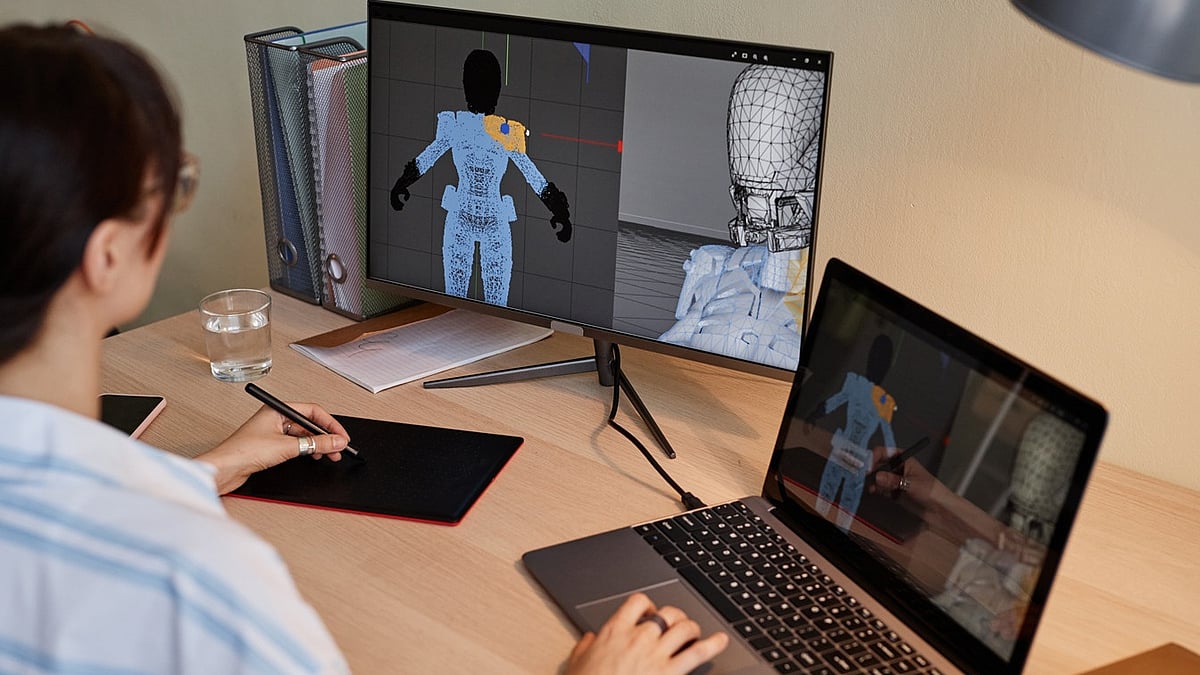
Everything in a 3D world exists in a hierarchy. When a character moves, their equipped weapon moves with them. This is governed by matrices. A 4x4 matrix bundles an object's translation (position), rotation, and scale into one single structure. The top-left 3x3 section handles rotation and scale, while the right column handles position.
Matrices allow the engine to transform local points into "World Space" so your GPU knows exactly where to draw every vertex.
Gameplay Example: Object Spawning
If you want to spawn loot exactly at the end of a rotated enemy's arm, or translate local offset points to the world map, you create a matrix and multiply the local point by it.
Unity C# Example:
Matrix4x4 m = Matrix4x4.TRS(transform.position, transform.rotation, transform.localScale);
// Multiply a local point by the matrix to find its world position
Vector3 worldPoint = m.MultiplyPoint3x4(new Vector3(1, 0, 0));
Unreal Equivalent: Unreal utilizes FTransform structs that compose via TransformA * LocalTransform for relative poses, which is often faster and cleaner than writing raw matrix math.
Trigonometry: The Magic of Atan2
Trigonometry bridges the gap between straight lines and rotations. Functions like Sine and Cosine map angles to points on a circle, which is vital for "bobbing" animations, camera shakes, or circular movement.
However, the hero of game dev trig is Atan2(y, x). Unlike standard arctangent, Atan2 considers all four quadrants of a 2D plane, returning a full 360-degree angle. It is the absolute best way to find the angle between two points.
Gameplay Example: Turret Aiming
To angle a 2D sprite or a UI compass toward a target, you use Atan2 on the directional vector to get the exact rotation angle in radians, then convert it to degrees.
Unity C# Example:
Vector3 targetDir = target.position - transform.position;
// Calculate the angle and convert radians to degrees
float angle = Mathf.Atan2(targetDir.y, targetDir.x) * Mathf.Rad2Deg;
Unreal Equivalent: FMath::Atan2(Direction.Y, Direction.X) * (180.f / PI); pairs perfectly with FRotator for clamped, precise aiming.
Pexels
Quaternions: Gimbal Lock Busters
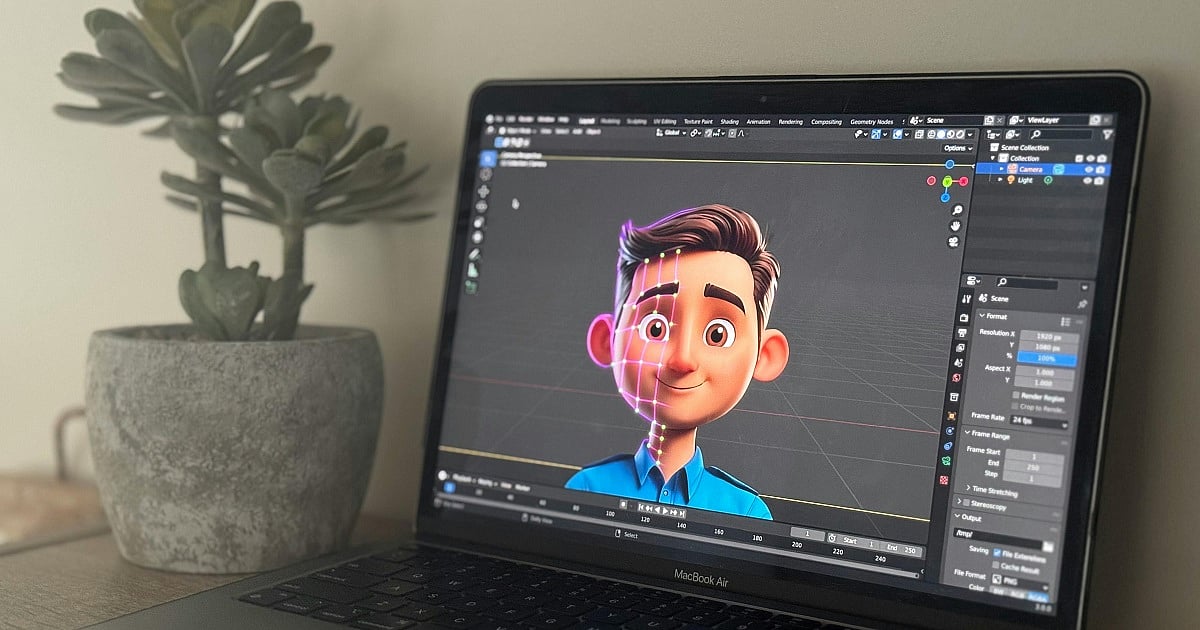
When dealing with rotations, "Euler Angles" (Roll, Pitch, Yaw) are intuitive to read but mathematically flawed. They often lead to "Gimbal Lock," a scenario where rotation axes align, causing objects to get stuck or flip out wildly.
Quaternions (w+xi+yj+zk) solve this. They encode rotations as an axis and an angle, completely bypassing Gimbal Lock. While the math behind them is complex, engines abstract this away. For gameplay, their most important feature is SLERP (Spherical Linear Interpolation).
Gameplay Example: Smooth Camera Follow
SLERP allows you to smoothly transition a camera or an AI's gaze toward a target over several frames, ensuring the turn looks fluid and natural rather than snapping instantly.
Unity C# Example:
Quaternion targetRotation = Quaternion.LookRotation(target.position - transform.position);
transform.rotation = Quaternion.Slerp(transform.rotation, targetRotation, Time.deltaTime * smoothSpeed);
Unreal Equivalent: Use FQuat alongside FMath::Slerp(QuatA, QuatB, Alpha). This is especially vital for networked multiplayer games to smoothly sync player poses.
Performance, Precision, and Leveling Up
As you implement these systems, a modern developer must always respect the hardware. Games use floating-point numbers, which are mere approximations. Because of this, you should never compare two vectors with a simple == sign. Instead, use an "Epsilon" check—a tiny threshold—to see if the distance between them is close enough to be considered equal.
Furthermore, as game worlds grow larger, precision errors can cause visual "jitter." Massive open-world games solve this by moving to Double Precision math or using "Floating Origins" to occasionally snap the player back to the center of the world, keeping the math grounded.
Mastering this minimal viable toolkit—vectors, dot/cross products, matrices, trigonometry, and quaternions—will transition you from relying on copy-pasted code to becoming a true architect of virtual spaces. Experiment in prototypes, build simple arena shooters, and watch the math click when it powers your first flawlessly working mechanic.

Author
Krishna Goswami is a content writer at Outlook India, where she delves into the vibrant worlds of pop culture, gaming, and esports. A graduate of the Indian Institute of Mass Communication (IIMC) with a PG Diploma in English Journalism, she brings a strong journalistic foundation to her work. Her prior newsroom experience equips her to deliver sharp, insightful, and engaging content on the latest trends in the digital world.
Krishna Goswami is a content writer at Outlook India, where she delves into the vibrant worlds of pop culture, gaming, and esports. A graduate of the Indian Institute of Mass Communication (IIMC) with a PG Diploma in English Journalism, she brings a strong journalistic foundation to her work. Her prior newsroom experience equips her to deliver sharp, insightful, and engaging content on the latest trends in the digital world.