




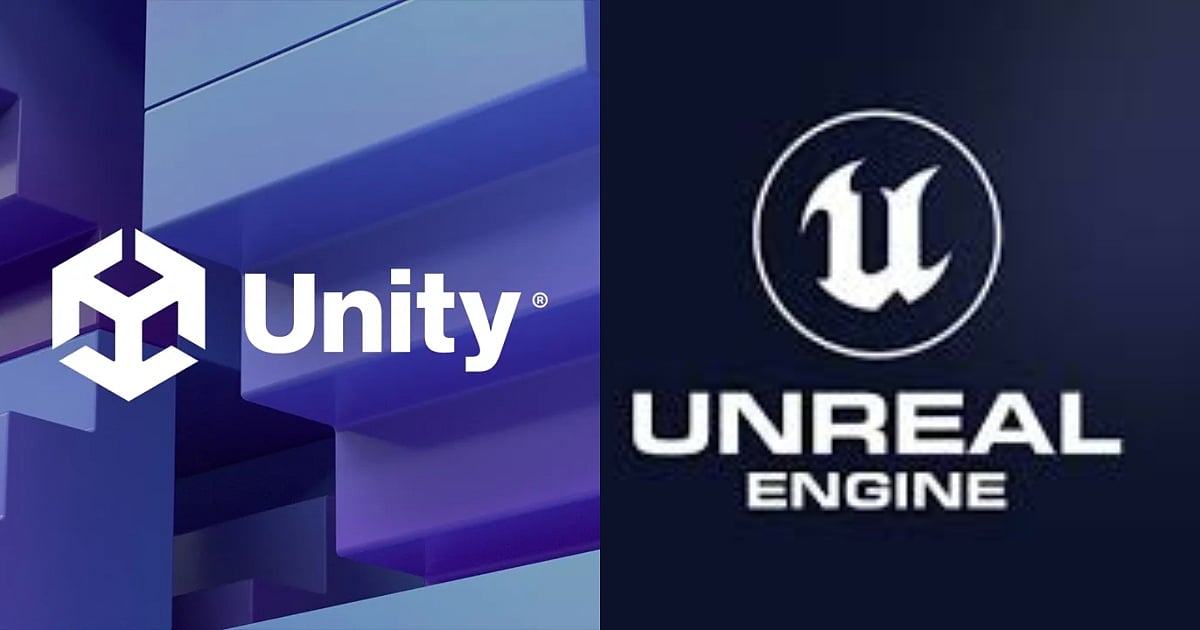
The Big Debate: Unity vs. Unreal—which engine wins for beginners in 2026?
Unity vs. Unreal 2026: Which Game Engine Should You Learn First?
Compare Unity and Unreal Engine in 2026. Discover which game engine fits your career, from Unity’s C# mobile dominance to Unreal’s AAA 3D graphics and Blueprint tools.

Highlights
- Unity uses beginner-friendly C#, while Unreal features Blueprints and complex C++.
- Unity excels in mobile and 2D, whereas Unreal leads in AAA 3D graphics.
- Unity offers more entry-level roles, while Unreal experts earn higher AAA salaries.
The debate between Unity and Unreal Engine is the "Mac vs. PC" of the game development world. Picking your first game engine feels like choosing your starter Pokémon—exciting, but the wrong pick might slow your grind. For a newcomer in 2026, the choice isn’t just about which software looks cooler—it’s a strategic career move. One engine might get you a job at a massive AAA studio, while the other might be the key to launching the next viral mobile hit.
If you’re standing at the starting line, here is the honest, data-backed breakdown of which engine you should pick up first.
1. The Learning Curve: C# vs. C++ and Blueprints
The primary distinction in learning these engines lies in their programming languages and visual scripting systems.
Unity uses C# (C-Sharp). It’s widely regarded as one of the most beginner-friendly "serious" programming languages, resembling a simplified Java with clear syntax that lets you prototype incredibly fast. It handles a lot of the intimidating backend mechanics—like memory management—automatically through garbage collection.
Plus, with Unity 6's modern CoreCLR runtime, compile and play-mode wait times have been drastically reduced, keeping you in the flow. As C# is a massive pillar in general software development, the skills you learn here are a safety net. C# builds confidence quickly, and if game dev doesn't work out, you’re already halfway to being a professional software engineer.
Unreal Engine is a bit of a "choose your own adventure," demanding a bit more grit.
Blueprints: This is Unreal's visual scripting system. Instead of typing code, you connect logic nodes with wires. It is incredibly powerful and arguably the easiest way for a non-coder to get a complex game running. However, be warned: tasks can sometimes take 4x longer for newbies to troubleshoot compared to Unity, as understanding the underlying logic is still required.
C++: This is the industry standard for high-performance games. It is significantly harder to learn than C#, requiring you to manage memory manually. One wrong move can crash your entire computer, not just the game. C++ in Unreal builds pros, but it will absolutely frustrate starters without prior coding chops.
If you want to learn "real" coding and build a versatile foundation, start with Unity. If you are an artist who hates typing and wants to see cinematic results fast, start with Unreal.

Pexels
2. Capabilities Compared: 2D vs. 3D and Graphics
When assessing 2D support, Unity provides mature, native tools for sprites and tilemaps, making it highly suitable and intuitive for mobile and indie 2D development. In contrast, Unreal Engine 5 offers basic 2D capabilities via Paper2D, but the engine is fundamentally designed for 3D processing.
Regarding 3D support and graphics, Unity offers solid scalability for mid-tier projects and is expanding its capabilities with the High Definition Render Pipeline (HDRP) and Universal Render Pipeline (URP). Unreal Engine 5, however, is built for high-end visual fidelity out of the box. It utilizes features like Nanite for virtualized geometry and Lumen for real-time global illumination, enabling AAA cinematic visuals.
Both engines support multiplayer functionality; however, Unity offers versatility for independent developers, while Unreal Engine's built-in server-authoritative architecture is optimized for performance-heavy, competitive titles.
3. Platform Support: Mobile vs. Console
Unity is the undisputed king of mobile, powering nearly 70% of the top mobile games on iOS and Android. It is lightweight, its executable file sizes are remarkably smaller, and its integration with mobile ad networks, live operations (LiveOps), and social SDKs is the best in the business. It is also the premier choice for standalone VR and AR applications.
Unreal Engine is the titan of PC and Console. If your dream is to see your game on a PlayStation 5 or a high-end PC rig, Unreal is built from the ground up for that hardware. While it does support mobile, an Unreal project will already be much larger and heavier than a Unity equivalent, making it better suited for mid-to-high-end Android and iOS devices.

Airtel
4. Ecosystems and Assets
Both engines have massive marketplaces where you can buy 3D models, sounds, templates, and pre-made code to skip the boring stuff.
Unity Asset Store: Known for its vast volume of affordable or free plugins, tutorials, and community tools. You can buy entire "game kits" that handle most core mechanical work for you. It’s the ultimate repository for rapid iteration and bootstrappers.
Fab (Unreal): Epic Games recently merged their marketplaces into the massive "Fab" ecosystem. The biggest flex here? Pro-grade, vetted models and Quixel Megascans. If you use Unreal, you get access to thousands of photorealistic 3D scans of environments and textures. It’s a massive cost-saver for 3D artists, fitting perfectly for teams scaling up their visual fidelity.
5. Job Market Demand: By the Numbers
Based on 2026 data trends from LinkedIn and Hitmarker, the market is distinctly split between generalists and specialists:
Unity: There is broad demand for Unity developers across various entry-level and mid-level roles, consistently outnumbering Unreal in total global job volume. LinkedIn data indicates thousands of Unity positions globally. Due to Unity's dominance in mobile, casual gaming, VR/AR, and non-gaming sectors (such as digital twins, architecture, and medicine), there is a wide range of opportunities. Average salaries for mid-level developers range from $15,600 to $79,200.
Unreal: Hitmarker lists over 4,000 worldwide positions for Unreal, which are highly concentrated in specialized AAA development, esports, and film/virtual production (such as LED volume technology). Because proficiency in high-level C++ is a specialized skill, Unreal Engine Engineers generally command higher compensation, with salaries frequently ranging from $100K to over $130K.

Pexels
Which One Should You Choose? Three Scenarios
Scenario 1: The "Mobile-First" Solo Dev
- Your Goal: You want to make a 2D puzzle game or a casual mobile title and get it on the App Store or Google Play as fast as possible.
- Recommendation: Unity. Its C# language, massive asset pool, and seamless mobile optimization will save you months of headaches and get you launched.
Scenario 2: The "AAA Aspirant"
- Your Goal: You want to work for a major studio like Ubisoft, EA, or CD Projekt Red on the next big blockbuster.
- Recommendation: Unreal Engine. It powers over 58% of AAA developers and 46% of million-sellers. Learning Blueprints and eventually grinding through C++ is your ticket into studio pipelines and the "Big Leagues."
Scenario 3: The "Indie 3D Solo"
- Your Goal: You are a great artist, but you aren't a "math person," and you want to make a visually stunning 3D game by yourself without a massive team's muscle.
- Recommendation: Unreal Engine. (Though Unity is great for faster prototyping, Unreal wins here for pure art). The Blueprint system and Fab's Quixel assets allow a single artist to create "AAA-looking" environments that would otherwise take years to build from scratch.
The pricing structures as of 2026 also differ. Unity operates on a seat-based subscription model, which remains free for users generating under $200,000 in revenue. Unreal Engine charges a 5% royalty fee only after a project reaches $1,000,000 in gross revenue.
The job volume for Unity is very high, spanning a broad array of industries, whereas Unreal Engine maintains a high job volume that is heavily concentrated in the AAA gaming and film sectors. Finally, hardware requirements diverge; Unity development can typically be managed on a mid-range laptop, while Unreal Engine generally requires a high-end PC equipped with a robust GPU.
Ultimately, Unity is ideal for versatile developers looking to build across multiple platforms efficiently. Unreal Engine is suited for specialists focused on high-performance and visually complex projects. In either case, initiating a small project is the most effective method for gaining practical experience.

Author
Krishna Goswami is a content writer at Outlook India, where she delves into the vibrant worlds of pop culture, gaming, and esports. A graduate of the Indian Institute of Mass Communication (IIMC) with a PG Diploma in English Journalism, she brings a strong journalistic foundation to her work. Her prior newsroom experience equips her to deliver sharp, insightful, and engaging content on the latest trends in the digital world.
Krishna Goswami is a content writer at Outlook India, where she delves into the vibrant worlds of pop culture, gaming, and esports. A graduate of the Indian Institute of Mass Communication (IIMC) with a PG Diploma in English Journalism, she brings a strong journalistic foundation to her work. Her prior newsroom experience equips her to deliver sharp, insightful, and engaging content on the latest trends in the digital world.